
Libris Translate 0.28.0 · User guide
Category: Context and consistency
Run or stop a whole series
Start every volume in one click, suspend the series for good, or cancel its jobs.
Steps
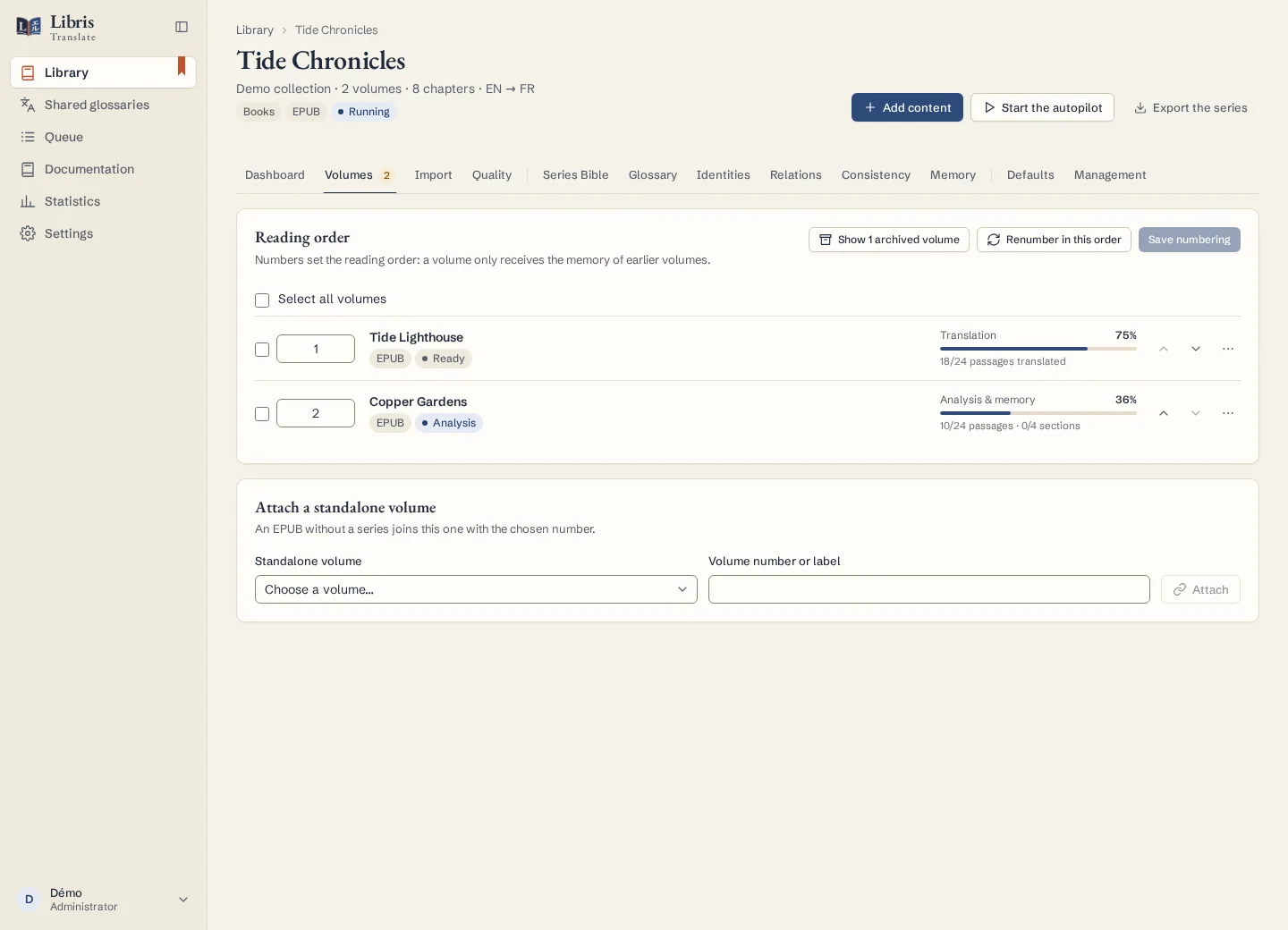
- On the series page, click “Start the whole series” in the Dashboard tab, or “Start the autopilot” in the header. The whole pipeline (analysis, translation, review) is started on every volume, with the autopilot on for each.
- Read the “Series command result”, one line per volume. A missing provider, a spent licence, a crossed budget or a full queue refuses that volume without stopping the others; a volume already working carries on instead of starting twice; archived volumes are left out.
- While the autopilot runs, the header offers “Pause”. The series is then suspended: no new paid job starts, even after the tab is closed or the worker restarted, and a followed source may still import chapters without translating them.
- A suspended series offers only “Resume the series”. It lifts the suspension, then resumes what it can; each refusal comes with its reason, and a volume that finds no free slot waits for one.
- “Cancel the jobs” stops the running and waiting jobs of every volume, after a confirmation.
- In the Defaults tab, the “When a model fails” card sets, once for the whole series, the stronger model and the fallback providers. A volume that sets its own keeps them; what stays empty follows the installation.
What to know
Reading, corrections and exports stay available while a series is suspended. Through the API or MCP, starting a suspended series is refused until it is resumed. Pausing a selection of volumes from the library does not suspend their series. Only the series’ owner sees these commands: a volume shared with you gives no control over the rest. Calls already sent to a provider may still finish and be billed, whether you pause or cancel.
Fictional example
Import three fictional volumes, click “Start the whole series”, then “Pause”: the result names each volume, and the suspension notice stays until you click “Resume the series”.