
Libris Translate 0.28.0 · User guide
Project archives and restoration
Keep a portable copy of a book and all the work done on it.
Steps
- On the book’s page, open “Export” and choose “Complete project (.zip)”.
- To restore it, here or on another installation, click “Add content”, choose “Restore a Libris archive” and select the ZIP.
- Open the restored book, choose one of this server’s providers, share it again if needed, and only then resume the work.
What to know
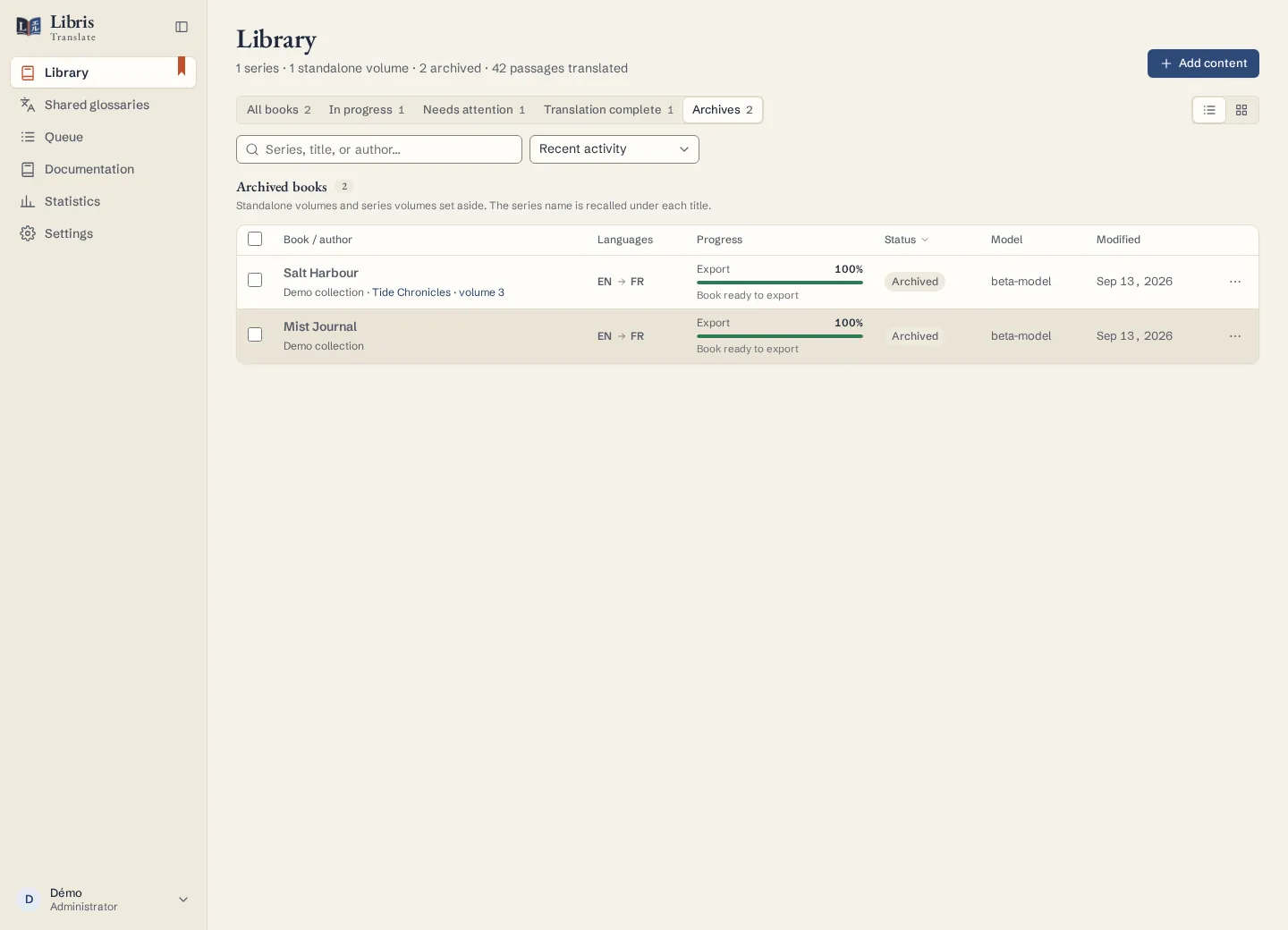
The archive carries the source files and the whole state of the translation: passage statuses, critiques, uncertainties, version history, Book Bible revisions, quality issues and jobs. The owner, the members and the provider are never restored: whoever restores becomes the owner and chooses a provider. A project archive is not the same as “Archive” in the library, which only sets a book aside.
Fictional example
Export a finished fictional volume, restore it on a test installation, and check its translations before choosing a provider there.