
Libris Translate 0.28.0 · User guide
Import books and chapters
Check what Libris Translate understood of your files before anything is created.
On video
What the video shows
- Add content › EPUB books, then Standalone volume.
- The file daudet-moulin-fr.epub is chosen and analyzed.
- Confirmation: translation into English with GPT-6 Luna, then “Import and run the whole pipeline”; the import is complete.
Steps
- Click “Add content” and pick a format: “EPUB books”, “TXT chapters (webnovel)”, “Markdown, HTML or DOCX chapters”, or “Restore a Libris archive”.
- Choose the destination. EPUBs join an existing series, start a new one, or become standalone volumes. Chapters always belong to a series: add them to its continuous flow, to an existing text volume, or to a new numbered volume.
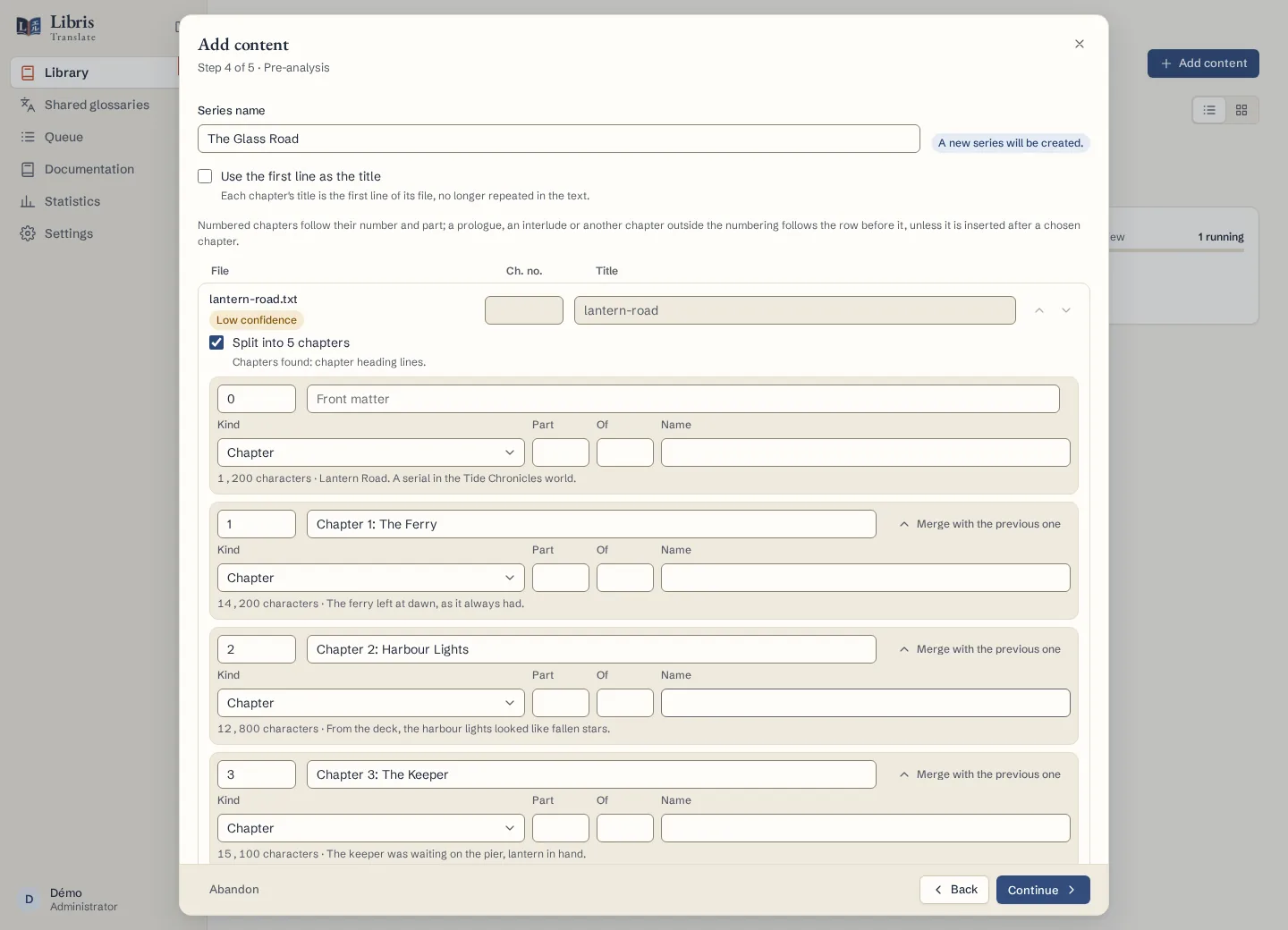
- Drop the files. The Pre-analysis step shows the title, number and confidence Libris Translate found for each one. Move them up or down, use “Sort in reading order” for chapters or “Renumber in this order”, and confirm every number marked uncertain.
- Settle duplicates: a chapter identical to one already imported is skipped, and for a changed one you choose “Skip” or “Replace”. Libris Translate warns you before a replacement would delete passages someone corrected or validated.
- On the Confirmation step, read the summary and the estimate, then choose “Import only”, “Import and start analysis” or “Import and run the whole pipeline”.
What to know
An upload is limited to 256 MB by default; the administrator can change this. A fixed-layout EPUB, such as a comic, a picture book or a laid-out textbook, is refused with its reason; when only some text pages are fixed, the book is imported with a warning that says how many. In Markdown, HTML and DOCX chapters, headings, paragraphs, list items and quotations are translated, while code blocks and Markdown tables are kept exactly as they are. A file too long for one chapter has to be split at its headings. When you add chapters to an existing volume, only the new and replaced ones are translated; the others serve as context without a new model call.
Fictional example
Import three fictional chapter files, “01 - The Harbour.txt”, “02 - The Storm.txt” and “03 - The Lamp.txt”, into a new volume, then check their order and numbers on the Pre-analysis step.